How it works1: Plug the Wifi gateway into socket, pull out the water sensors battery insulating tab.2: Download Govee Home on App Store or Google Play to your cellphone.3: Open the app and sign up with your email account.4: Click the icon ‘+’ at the top right corner and select H5040 device.5: Follow the app prompt to connect your wifi Gateway with your router(not support 5G wifi).6: Name each sensor like Basements, Kitchen Sinks, Water Heaters and put the water sensors on the detecting location.7:Get email, Push notifications and alert on your smartphone when leak happened
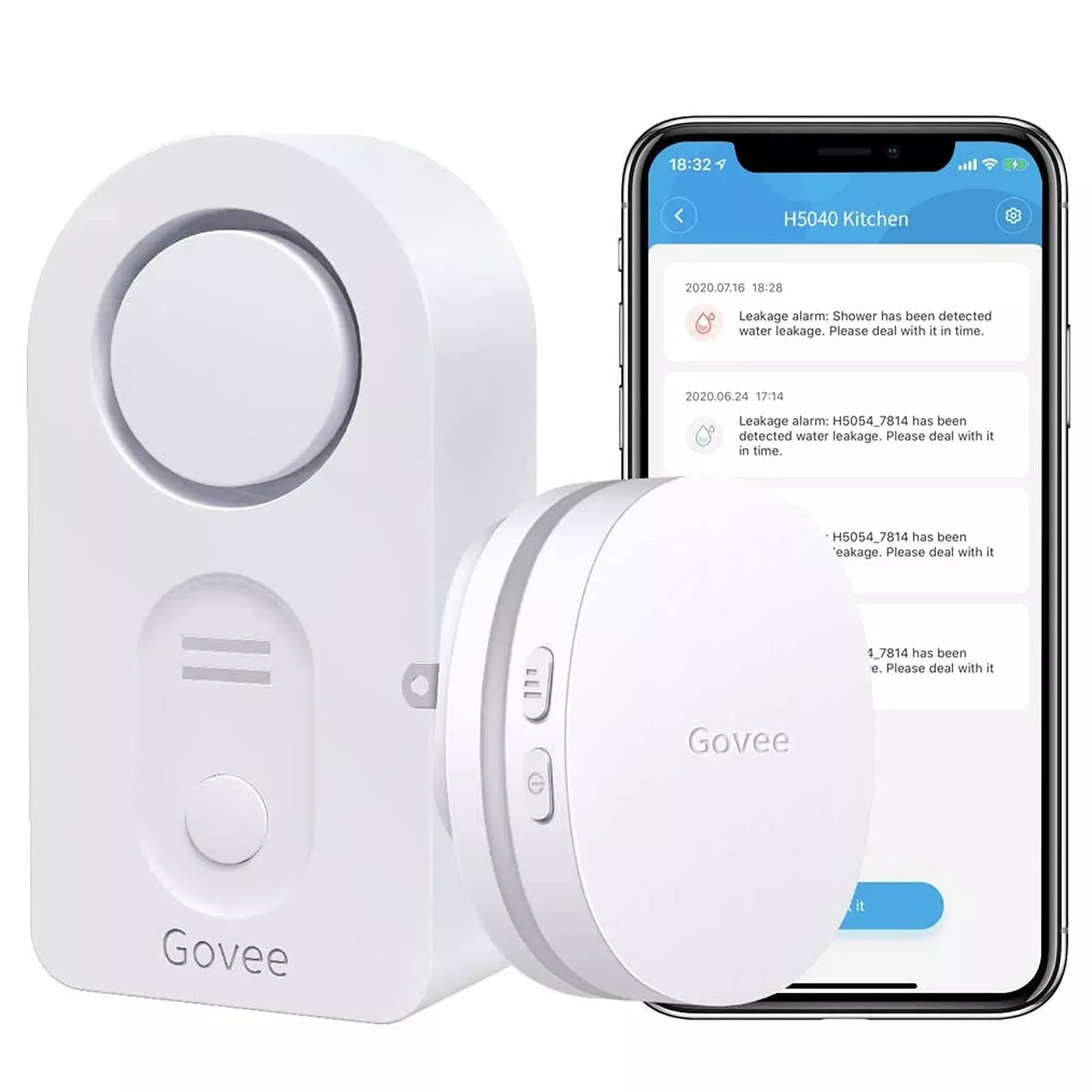
Govee Wifi Water Sensor, 100Db Adjustable Audio Alarm And Smart App Al
Original price was: $33.50.$17.30Current price is: $17.30.
Sale!42 in stock
Related products
Sale!
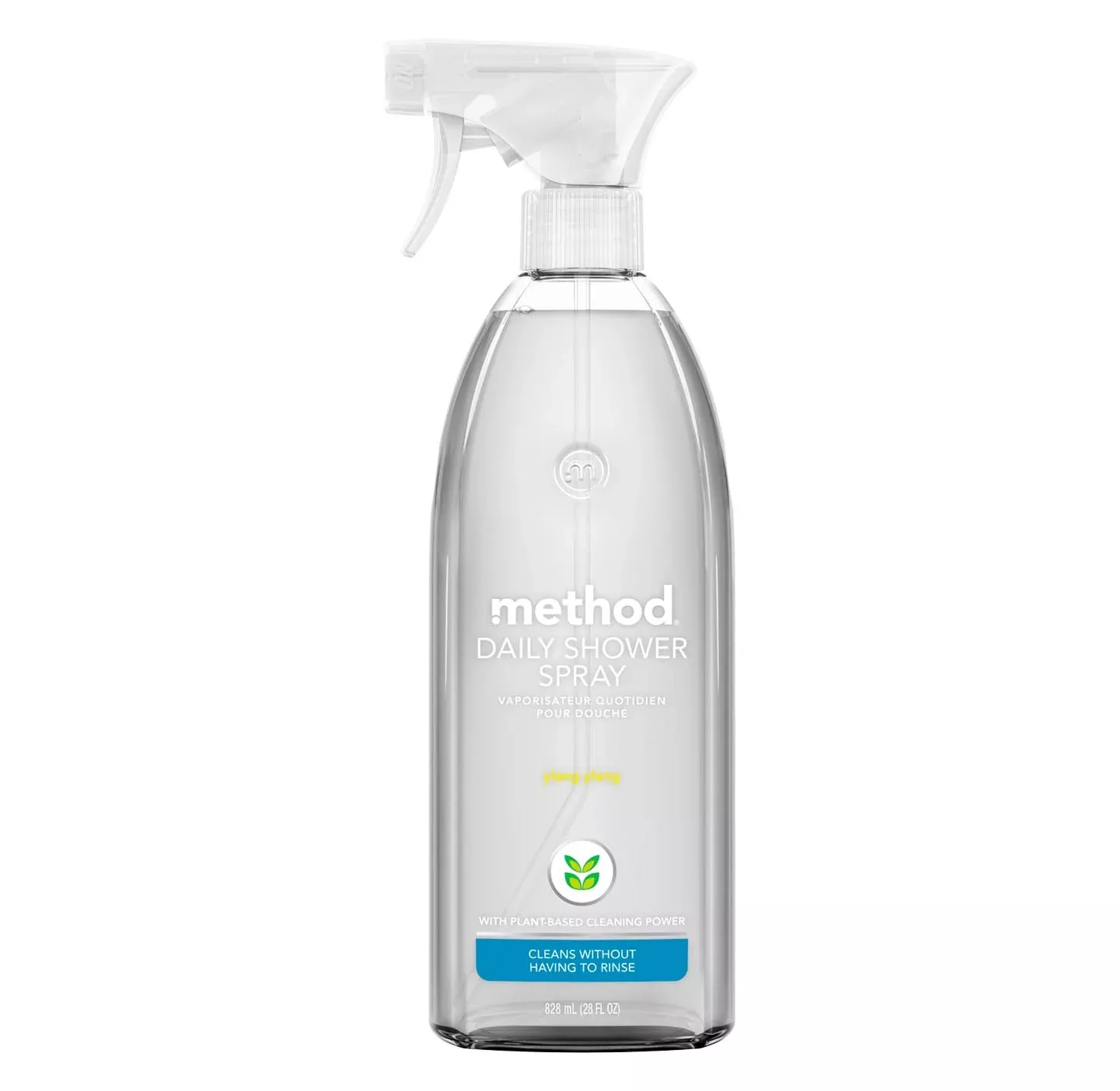
Method Daily Shower Spray,Ylang Ylang, 28 Oz
Original price was: $12.22.$7.99Current price is: $7.99.
Sale!
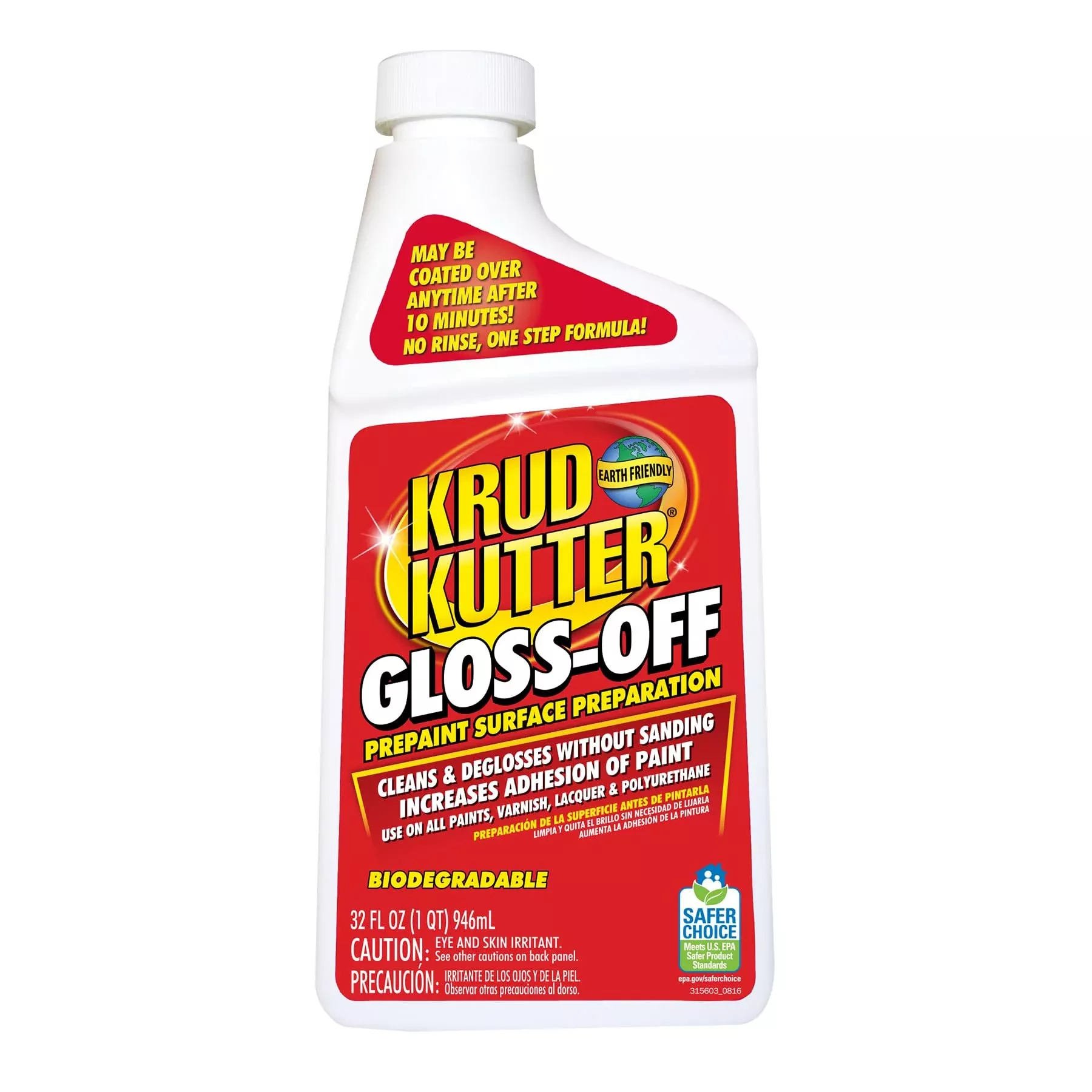
Krud Kutter Go326 Gloss Off Prepaint Surface Preparation Cleaner, 32 Oz
Original price was: $17.76.$12.98Current price is: $12.98.
Sale!
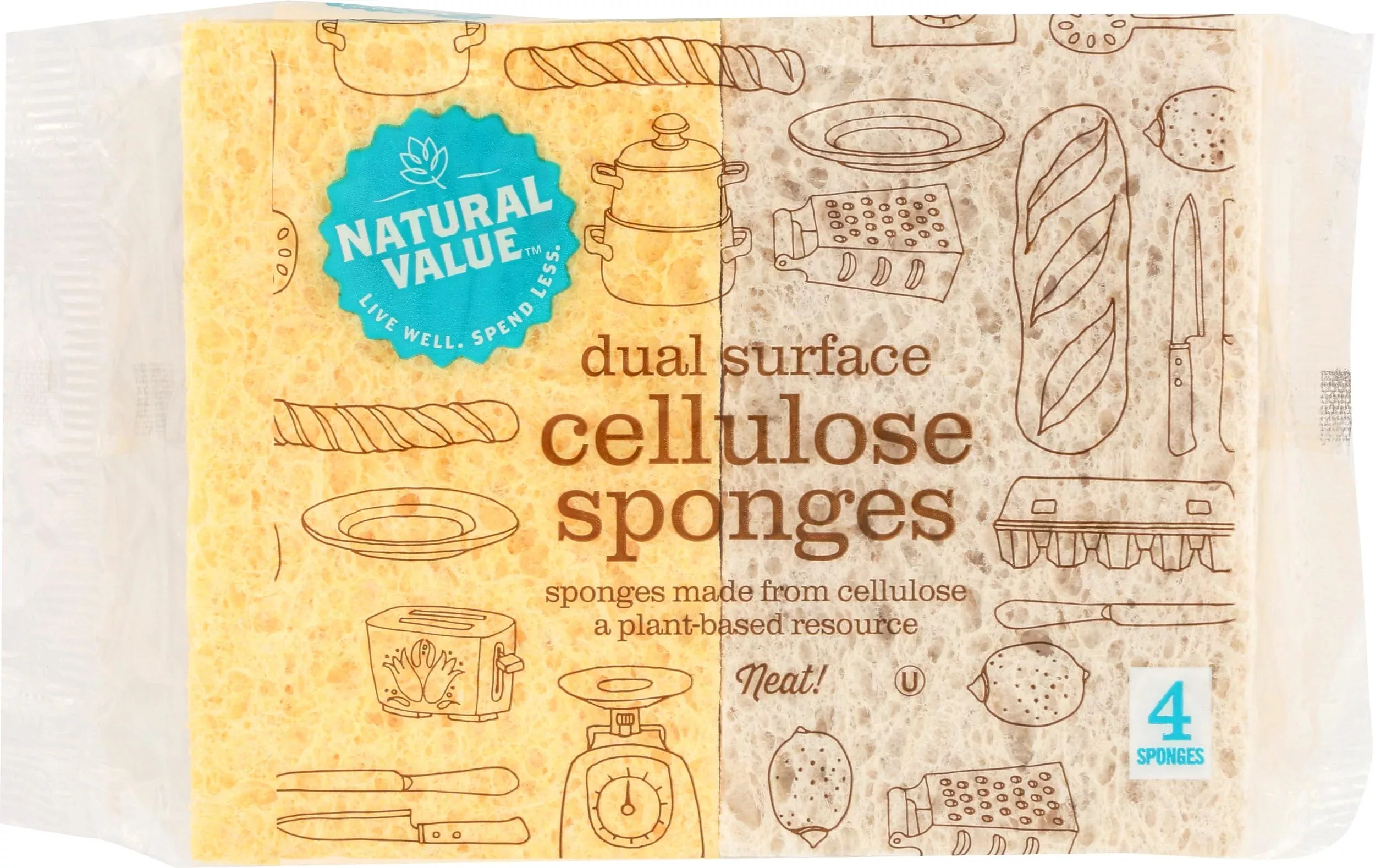
Natural Value Sponges, 4 Ct
Original price was: $11.88.$9.45Current price is: $9.45.
Sale!

Sunshine 3 Polishing Cloths Jewelry Cleaner Tube Silver Brass Gold Copper
Original price was: $16.21.$12.12Current price is: $12.12.
Sale!
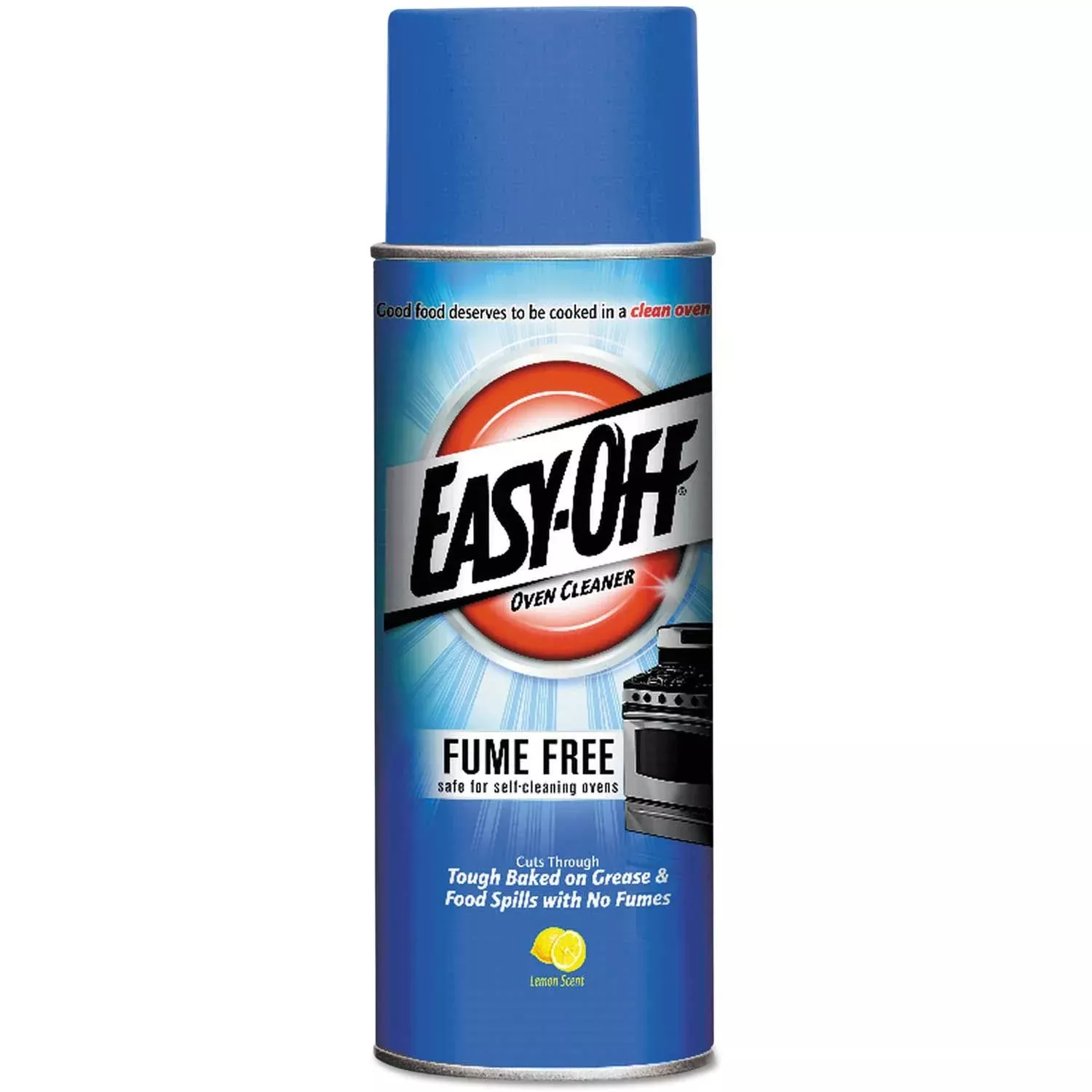
Easy-Off Fume-Free Oven Cleaner, Lemon Scent, 14.5 Oz Aerosol Spray
Original price was: $16.87.$10.38Current price is: $10.38.
Sale!
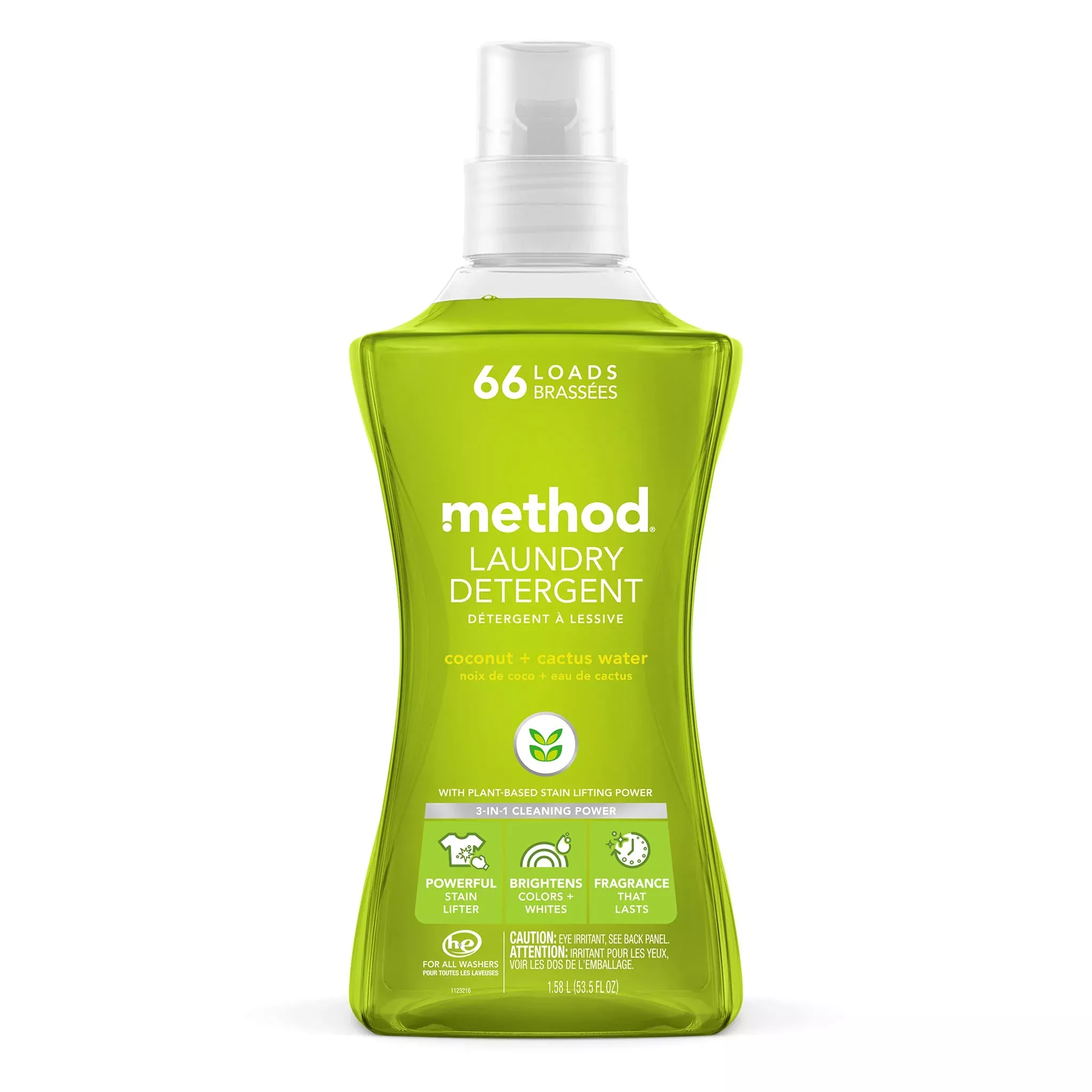
Method Liquid Laundry Detergent, Coconut + Cactus Water, 66 Loads Per Bottle, Biodegradable Formula, Plant-Based Stain Remover, 53.5 Fl Oz (Pack Of 1)
Original price was: $44.31.$28.06Current price is: $28.06.
Sale!